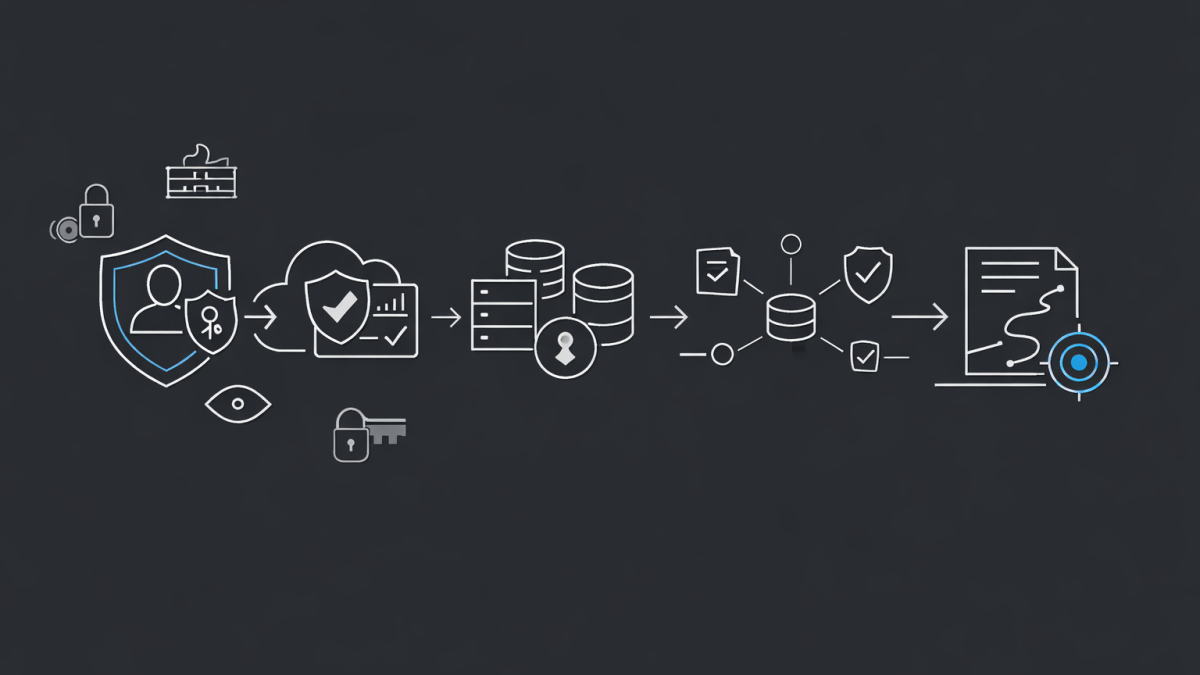
Most Azure security assessments I’ve seen are either too shallow to act on or too long to ever finish. A two-week engagement turns into six. By the time the report lands, the tenant has drifted, three new subscriptions have appeared, and someone has stood up a forgotten App Service with a SQL admin password in an environment variable.
So when a client asks me to look at their Azure posture, I run a focused five-day assessment. It is short enough to keep momentum, deep enough to surface the things that actually matter, and structured so the customer gets a real report — not a 200-page PDF nobody reads.
Here is exactly how I would run it.
Day 1 — Identity, Tenant, and the Blast Radius
I always start with identity. In every Azure environment I have touched in the last three years, the worst findings have lived inside Entra ID, not inside a VM.
On day one I review:
- Global Admin count, break-glass account configuration, and whether MFA is actually enforced on privileged roles
- Conditional Access policies — what is in report-only mode, what has been disabled “temporarily” two years ago, and which policies exclude the entire IT team
- Privileged Identity Management activations, eligible assignments, and approval workflows
- Guest accounts, B2B settings, and the cross-tenant access policy
- Authentication methods — legacy auth, SMS as a second factor, and any service accounts still using passwords
Tools I lean on: the Entra admin centre, Microsoft Secure Score for Identity, and a quick PowerShell pull of role assignments via Microsoft Graph.
By the end of day one I have a clear picture of who can do what, and how badly things break if a single privileged identity is compromised.
Day 2 — Defender for Cloud and the Secure Score Reality Check
Day two is for Microsoft Defender for Cloud. Most clients have it turned on at the free tier and assume that means they are covered. They are not.
I look at:
- Which Defender plans are enabled, and on which subscriptions — Servers, Storage, SQL, Containers, Key Vault, App Service, and the new AI workloads plan
- The current Microsoft Secure Score per subscription and across the tenant, and which controls are dragging it down
- Active recommendations, sorted by impact and exposed assets — not by alphabetical order
- Regulatory compliance against Microsoft Cloud Security Benchmark (MCSB), and any other standards the client cares about — Essential 8, ISO 27001, PCI, or the Australian Government ISM
- Attack paths in the cloud security graph — these are usually where I find the real story
MCSB is the one I always anchor on. It maps cleanly to NIST and CIS, and it is the benchmark Microsoft itself uses internally. If a client is failing MCSB controls, no amount of custom framework mapping will save them.
Day 3 — Workloads, Networking, and Data
Day three is the hands-on day. I drop into the actual workloads.
What I review:
- Virtual machines — public IPs, NSG rules, Just-in-Time access, disk encryption, and patch compliance through Update Manager
- Storage accounts — public network access, shared key access, soft delete, and whether anyone is still using SAS tokens that expire in 2099
- Key Vault — RBAC vs access policies, soft delete and purge protection, network restrictions, and which identities have unwrapped key permissions
- Azure SQL and Cosmos DB — firewall rules, private endpoints, TDE, and Microsoft Entra authentication
- Networking — hub-and-spoke design, Azure Firewall or NVA placement, exposed Application Gateways, and any subnet without an NSG
This is also where I look for the unsanctioned stuff. The dev subscription with a public Postgres database. The training tenant that somehow has production data. The “temporary” pilot that has been live for eighteen months.
Day 4 — Governance, Policy, and the Drift Problem
By day four I have a list of findings. Day four is about understanding why those findings exist — because if I do not fix the cause, the same problems return in six months.
I review:
- Azure Policy assignments — what is in audit, what is in deny, and what should be in deny but is not
- Management group structure and whether it actually reflects how the business operates
- Resource locks on production scopes
- Tagging compliance, cost ownership, and orphaned resources
- Defender for Cloud’s regulatory compliance dashboard for any custom standards
- Activity log retention, Microsoft Sentinel coverage if it is in scope, and whether sign-in logs are being shipped anywhere a SOC can actually see them
Most posture problems are governance problems wearing a technical disguise. If there is no policy preventing public storage accounts, public storage accounts will keep appearing. The fix is rarely a one-time remediation — it is a guardrail.
Day 5 — Report, Prioritise, and Hand Over
Day five is for writing, not investigating. I have learned that if I leave the report until after the engagement, it never has the same sharpness.
The deliverables I produce:
- An executive summary written for a CIO or CISO — three pages maximum, no screenshots of the Azure portal
- A prioritised findings register with severity, affected resources, business impact, and a recommended remediation owner
- A 30-60-90 day remediation roadmap, separated into “do this week” and “fix structurally”
- A Secure Score and MCSB compliance baseline so progress can actually be measured later
- Optional: a tabletop scenario based on the top finding, so the leadership team can feel what a real incident would look like with the current posture
The report has to answer three questions: where are we exposed, what do we fix first, and what does good look like in 90 days. If it does not answer those three things, it is not a useful report.
Reflections
Five days is tight. It forces you to focus on what matters and resist the urge to document every minor misconfiguration. I would rather hand a client a sharp 20-page report they will act on than a 200-page report that sits on SharePoint forever.
The other thing I have learned is that posture is not a one-time exercise. The value of an assessment like this is not the report itself — it is the baseline. If the client is not measuring Secure Score, MCSB compliance, and identity hygiene every month after I leave, the report has a shelf life of about six weeks.
The clients who get real value from these engagements are the ones who treat the five days as a starting line, not a finish line. The technology is rarely the hard part. The hard part is the operating model that keeps the tenant clean after the assessment ends.
