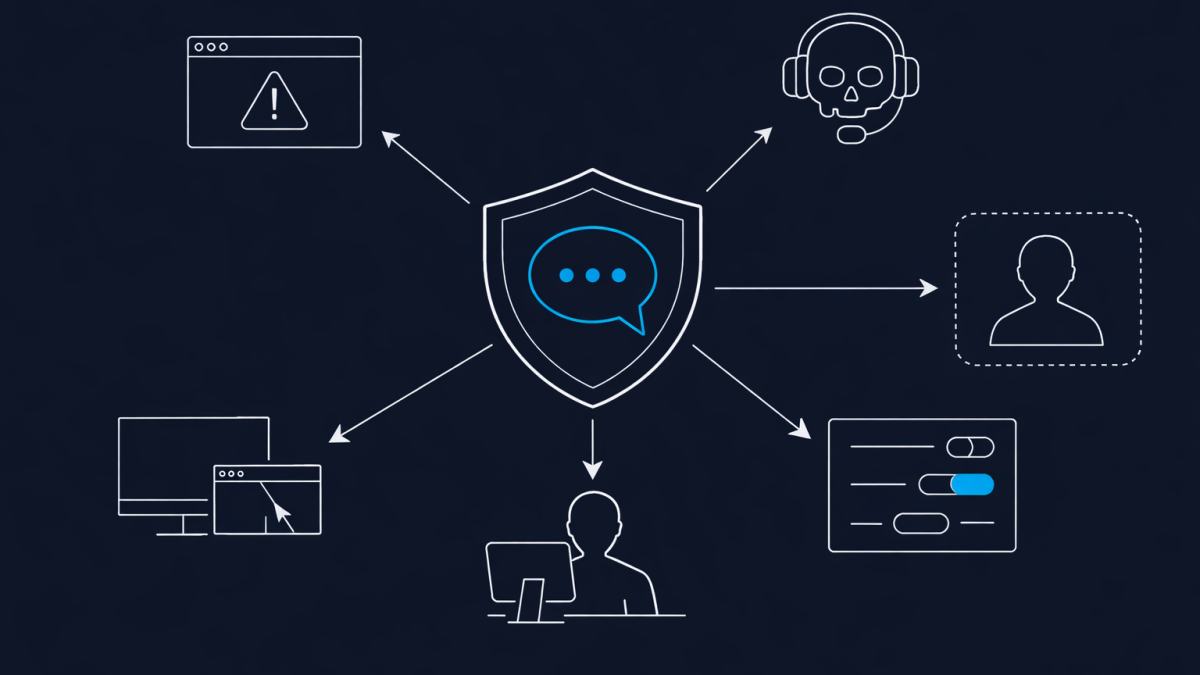
For years, phishing lived in the inbox. That’s no longer where the action is.
The attackers who used to send fake invoices are now pinging your users directly in Microsoft Teams, wearing a “Help Desk” display name, and walking them through installing remote access tools. Storm-1811, Black Basta affiliates, and several Midnight Blizzard-style campaigns have all settled on the same playbook. It works because most tenants still have external Teams access configured the way Microsoft shipped it in 2017.
If you do nothing else this week, fix this.
Why Teams Became the Soft Target
Email gateways got good. Users got trained. MFA became table stakes. So attackers moved to a channel where none of that matters.
In the default Teams external access configuration, anyone with a Microsoft 365 tenant anywhere in the world can chat your staff. They don’t need to be a guest. They don’t need to be invited. They just need your user’s UPN, which is almost always harvestable from LinkedIn.
The attack chain I keep seeing looks the same every time:
1. Attacker spins up a trial tenant with a name like `helpdesk-support.onmicrosoft.com`.
2. They email-bomb the target user to generate fake “support tickets” in their inbox.
3. Minutes later, “IT Help Desk” messages them in Teams offering to fix the email flood.
4. The user accepts the Teams call. A screen share starts.
5. AnyDesk or Quick Assist is installed. The tenant is compromised within the hour.
Nothing about that chain requires a zero-day. It requires a tenant setting nobody flipped.
The Setting That Stops It
In the Teams Admin Center, go to Users → External access. The default is Allow all external domains. That is the problem.
You have three real options:
- Block all external domains. The cleanest control. Users can still collaborate internally and with guests you explicitly invite. External chat is off.
- Allow only specific domains. Build an allowlist of partners, suppliers, and customers you actually talk to. Everything else is blocked by default.
- Block specific domains. Don’t bother. It’s a blocklist in a world of infinite throwaway tenants.
For most organisations I talk to, the right answer is allowlist. You probably have fewer than fifty external domains you legitimately federate with. The rest is noise and risk.
While you’re in that screen, also turn off Teams accounts not managed by an organisation and Skype users. Neither has a legitimate business use in a hardened tenant.
The Controls That Back It Up
The external access change is the tourniquet. These are the stitches:
- Block Quick Assist and unsigned remote tools. Use Intune or AppLocker. If your help desk uses Quick Assist, move to a managed remote tool with tenant-level controls and logging.
- Disable local admin rights on end-user devices. Without this, the social engineering still ends badly even if Teams is locked down.
- Turn on Teams chat auditing and alert on external 1:1 chats. If an external domain slips through your allowlist, you want to know within minutes, not after the incident.
- Brief your help desk. They need to know attackers are impersonating *them*, not just your users. A real help desk call should never start with an unsolicited Teams message from an unknown domain.
The Part Most People Miss
Changing external access doesn’t break guest access. Guests you’ve already added to Teams channels keep working. This is the single most common objection I hear, and it’s wrong. External access governs unsolicited chat and calls from people who are not guests in your tenant. Guest access is a separate setting, and it stays on.
The change takes five minutes. Propagation across the service is usually under an hour. There is no user-visible disruption unless someone relies on unsolicited external chat, which in ten years of consulting I have never seen be a real business requirement.
Closing Thought
The interesting thing about this attack is how boring it is. No exploit. No malware-of-the-week. Just a default setting, a credible display name, and a user who trusts the Teams icon more than they trust an email.
That’s worth sitting with. The controls that matter right now aren’t the expensive ones. They’re the ones that were shipped on by default a decade ago and never got revisited. The tenants getting hit in 2026 are the ones that still look, configuration-wise, exactly like they did in 2019.
Go flip the setting.
