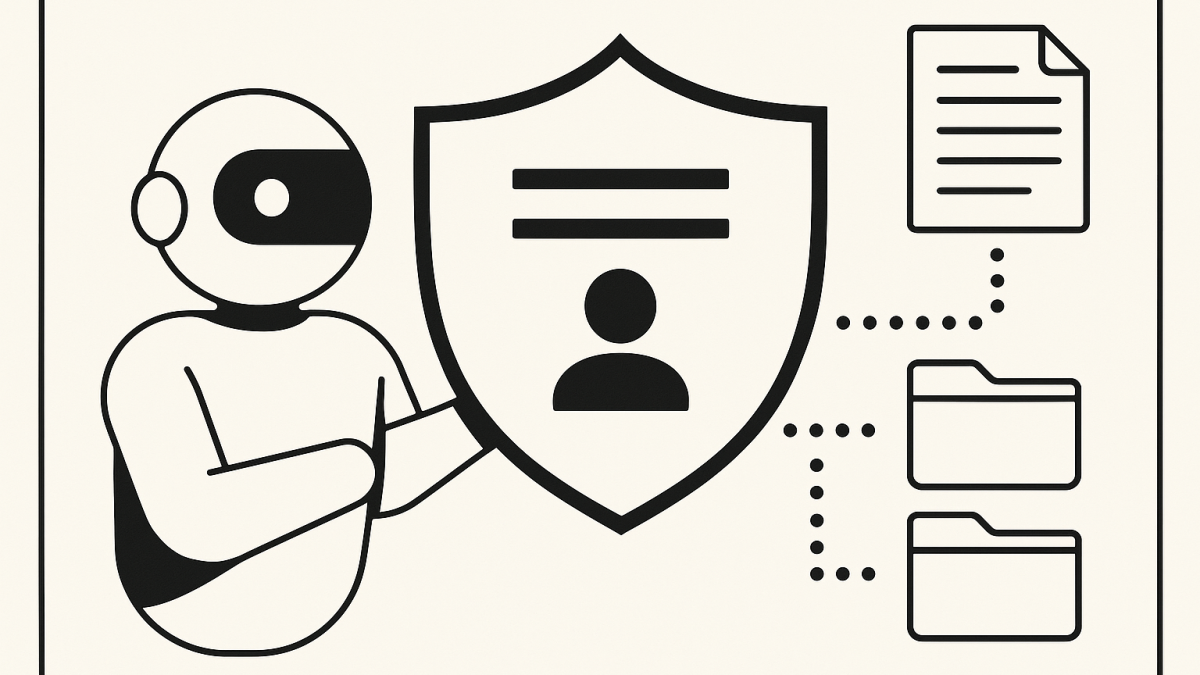
In this blog post Copilot Memory is Now Default and I’d Disable It in 3 Cases we will look at what “memory” really means in Copilot, why defaults matter in enterprise, and the three situations where I would disable it.
Copilot Memory is Now Default and I’d Disable It in 3 Cases is a sentence I didn’t expect to write so soon, but here we are.
One pattern I keep running into with AI in the enterprise is that “helpful personalisation” quietly becomes “uncontrolled data gravity.”
And once a feature is on by default, the conversation changes. It stops being “should we adopt this?” and becomes “how do we govern what’s already happening?”
What Copilot Memory is, in plain language
Copilot Memory is Copilot’s ability to retain certain user-specific details and preferences over time, so future responses can be more relevant.
Think of it as a lightweight profile Copilot builds about you based on what you tell it to remember, what you repeatedly ask for, or what it infers as stable preferences. The goal is convenience, not surveillance.
In practice, it means two important things for leaders and architects.
- It changes the risk profile of casual chat prompts, because a single “innocent” detail can become a persistent detail.
- It changes the operating model for support, audit, and incident response, because now you’re dealing with state, not just sessions.
The technology behind Copilot Memory, at a high level
At a conceptual level, Copilot Memory is built on a few building blocks that most modern AI assistants share.
1) A memory store separate from the model
The underlying large language model doesn’t permanently “learn” your private data in the way people imagine.
Instead, systems typically keep a separate memory store that holds a small set of durable facts or preferences. When you start a new conversation, the assistant retrieves relevant items and injects them into the context for the model to use.
2) Retrieval and ranking
Not every stored item is used every time.
There’s usually a retrieval step that decides what’s relevant for the current prompt, and a ranking step to decide what to include given token limits and safety rules.
3) Policy and controls at multiple levels
In enterprise settings, there’s typically a combination of user controls (what I can remember, forget, or review) and admin controls (what’s allowed in the tenant, and under what policy conditions).
That sounds tidy on paper. In real environments, it intersects with identity, compliance, retention, legal hold, and operational support.
Why “on by default” is a big deal in enterprise
Defaults create outcomes.
If a capability is opt-in, you can treat it like a managed rollout. If it’s opt-out, you’re managing exceptions, not adoption.
In my experience, the biggest governance failures don’t come from malicious behaviour. They come from well-meaning teams moving fast, with unclear lines around what’s being stored, for how long, and how it’s discovered when things go wrong.
The three enterprise cases where I would disable Copilot Memory
I’m not anti-memory. I’m pro-context.
But there are three scenarios where I’ve seen the risk-to-value ratio flip quickly, especially in Australian organisations dealing with ACSC Essential Eight expectations and privacy obligations.
Case 1: Regulated, high-discovery environments with tight legal hold requirements
If you operate in a high-discovery environment, “remembering” introduces a governance surface area that can surprise people.
Leaders often assume memory is like browser cookies. Convenient, local, and easily cleared.
The reality is more nuanced. Copilot interactions and related artefacts can end up inside compliance and retention systems, and what users think they “deleted” isn’t always what compliance considers deleted—especially under retention policies, litigation hold, or eDiscovery holds.
Where I’ve seen this hurt is when an organisation is already under pressure.
- An investigation starts.
- Legal asks for “everything related to topic X.”
- Teams scramble to figure out what Copilot stored, where it lives, and how to search it reliably.
If your maturity is already stretched across Purview, retention labels, and content search processes, adding memory too early can increase ambiguity at the exact wrong time.
My rule of thumb: If your eDiscovery/retention posture isn’t already boring and repeatable, don’t add more “state” to human conversations.
Case 2: Environments with mixed identities, contractors, and frequent role changes
Many Australian enterprises run with a blended workforce.
Permanent staff, contractors, vendors, and project partners often rotate through the same teams. Identity is “managed,” but the human reality is messy.
Memory becomes risky when the assistant retains personal preferences or work context that is no longer appropriate after a role change.
- A contractor works on a sensitive program for 8 weeks.
- They move to another engagement.
- Their account is still active for handover, or they remain on a different project.
The assistant now has a durable context that might bias answers in subtle ways. Not necessarily leaking documents, but leaking direction, assumptions, or knowledge of internal naming.
In architecture terms, it’s a form of context bleed.
This is also where Essential Eight comes into the conversation indirectly. Not because memory is “patching” or “application control,” but because it is another place where identity, access, and offboarding discipline matters.
My rule of thumb: If you can’t confidently explain your joiner/mover/leaver process to a sceptical auditor, don’t enable memory broadly.
Case 3: Teams handling sensitive people data, security incidents, or privileged operations
Some teams should operate with the mindset that every system they use is a potential evidence source.
Security operations, incident response, fraud, HR, legal, and privileged admin functions regularly handle sensitive or explosive information.
These teams already walk a tightrope between speed and control. Memory increases the chance that sensitive operational details become durable.
- Usernames and internal host naming conventions.
- Incident codes and case identifiers.
- Patterns of internal controls that shouldn’t be casually summarised.
- “Helpful” shortcuts like remembering how your privileged accounts are structured.
Even if everything is technically compliant, it can still be operationally unwise.
When I’ve worked with SOC and incident response teams, the best environments are intentionally boring. Repeatable runbooks, minimal data persistence, and strong separation between “thinking tools” and “systems of record.”
My rule of thumb: If a team participates in incident response or has privileged access pathways, keep memory off unless you have a very specific, well-audited use case.
What I do instead when I disable memory
Disabling memory doesn’t mean “no Copilot.” It means “session-based Copilot.”
Here are the patterns that work well without persistent memory.
- Use structured prompts that restate context briefly at the top (role, goal, constraints, audience).
- Store preferences in approved places (team wikis, standards, templates) and have Copilot reference them, rather than “remember” them.
- Prefer retrieval from governed sources (SharePoint/OneDrive with appropriate permissions and labels) over personal memory.
- Segment by persona (exec, finance, HR, engineering) and define what “acceptable persistence” means for each.
A practical decision checklist for leaders
If you’re deciding whether to leave Copilot Memory on, I’d ask these questions.
- Do we understand what’s stored? Not in marketing terms. In operational terms.
- Can we discover it reliably? Who can search, under what process, and how do we prove completeness?
- Can we offboard cleanly? What happens to memory when a person changes roles or leaves?
- Is this team a “privileged function”? If yes, the default should be off.
- Do we have an Australian privacy lens applied? If personal information can be captured in prompts, do staff understand the boundary?
My takeaway
In my experience, most enterprise AI risk isn’t about the model doing something outrageous.
It’s about organisations accidentally introducing a new persistence layer—one that feels like a chat box, but behaves like a record system under pressure.
I suspect “memory” will become a standard capability across assistants, and we’ll eventually treat it like any other data store with classification, retention, and audit controls baked in.
The question I’m sitting with is this: when AI starts remembering by default, are we ready to treat everyday prompts as first-class enterprise records?
- Getting Started with Azure OpenAI
- OpenAI’s $110B Raise and What It Changes in Enterprise AI Roadmaps
- Anthropic’s DoD stance just changed what “safe” enterprise AI means
- What GPT‑5.3 Instant Signals for the Future of Enterprise AI
- A Practical Checklist for Evaluating Gemini 3.1 Flash Lite vs GPT Claude
