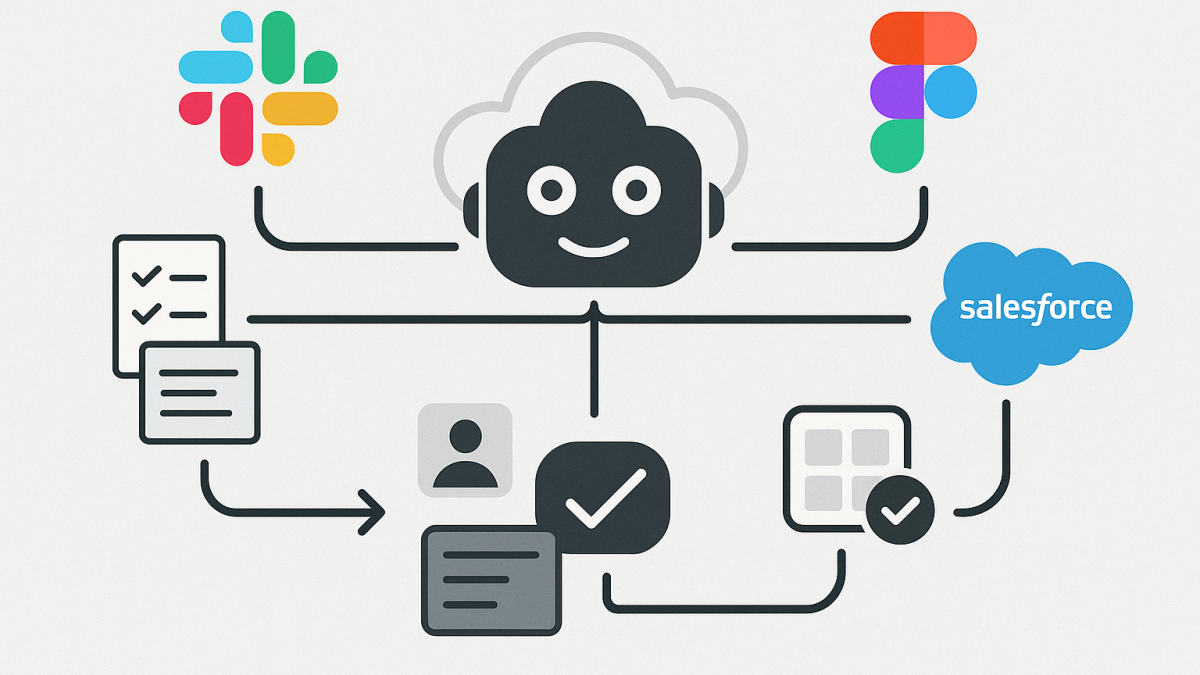
In this blog post Claude in Slack, Figma and Salesforce changes who owns the workflow we will unpack what it really means when Anthropic connects Claude to tools like Slack, Figma, and Salesforce—and why I think this is less about “chatbots in apps” and more about workflow ownership.
I’ve spent 20+ years as a Solution Architect and Enterprise Architect, and one pattern keeps repeating: the biggest productivity gains don’t come from smarter tools. They come from fewer handoffs, less context switching, and clearer accountability for decisions.
That’s why Claude being able to operate across Slack, Figma, and Salesforce matters. It’s not a novelty integration. It’s a shift toward AI becoming the orchestrator of work—where conversations, designs, and customer records stop being separate worlds.
High-level view what just changed
Until recently, most “AI in the enterprise” looked like this: you paste a prompt into a chat tool, copy an answer out, and then manually apply it somewhere else. That approach can help individuals, but it rarely transforms teams.
What’s emerging now is different. Claude can be connected to systems of work (Slack), systems of design (Figma), and systems of record (Salesforce). When those connections are done well, the AI isn’t just generating text. It’s using context and proposing actions inside the tools where work already happens.
The core technology behind it in plain language
The enabling idea is simple: Claude can call tools securely, retrieve the right context, and then perform or suggest actions—while keeping a clear boundary between what the model “thinks” and what the tool “does.”
Under the hood, this is largely driven by an emerging integration pattern often referred to as a tool-connection protocol (Anthropic’s ecosystem uses MCP-style servers and “apps” that expose specific capabilities). Practically, it means:
- Claude can request data (for example, a Slack thread or a Salesforce opportunity summary) through a controlled connector.
- Claude can present an interactive interface in some cases (not just a text response), so the user can review, edit, and approve.
- Claude can execute actions through the tool (send a message, create a draft, update a record) when permitted.
This is a big deal because it moves us from “AI as a writing assistant” to “AI as a workflow participant.” And that’s where governance, security, and architecture start to matter a lot more.
My take on what this changes for leaders
1) The workflow becomes the product, not the app
In many organisations, the value is locked in the handoffs: someone reads a Slack thread, someone else updates Salesforce, someone else interprets a Figma change, and then we try to reconstruct the decision trail later.
When Claude can traverse those systems, the “unit of productivity” becomes the end-to-end workflow. The app is just the interface. The workflow is what gets optimised.
2) Context becomes an asset, and also a liability
In my experience, most AI failures in enterprise aren’t model failures. They’re context failures. People either give the AI too little information (so it guesses) or too much (so they leak or over-share).
Connecting Slack and Salesforce to an AI raises the stakes. Now the question is not “Can Claude answer well?” It’s “Did Claude see the right things, and only the right things?”
3) Prompting matters less, operational design matters more
Leaders often ask, “Should we train everyone on prompt engineering?” My answer has been consistent: train them a bit, sure—but spend more effort on safe operating patterns.
With tool-connected AI, the crucial skills become:
- Knowing what data sources are trustworthy for a decision.
- Knowing what actions must require human approval.
- Knowing how to capture rationale and audit trails.
4) “Agentic” work arrives quietly, through convenience
Many organisations say they’re not ready for agents. Then they enable a connector “just for summaries.” Two months later, teams are asking the AI to draft customer emails, update records, and produce release notes.
This is how agentic behaviour enters: not via a big-bang strategy deck, but via small conveniences that compound.
Slack plus Claude is not just summarisation
Slack is where intent lives. Decisions get made in threads, exceptions get negotiated, and risk gets surfaced informally.
When Claude can search and read Slack context, the useful outcomes I’ve seen (and the pitfalls) typically look like this:
- Good: turning messy threads into clean decisions, owners, and next steps.
- Good: drafting a status update that matches what actually happened.
- Risk: hallucinating “decisions” that were only suggestions.
- Risk: pulling in sensitive content from adjacent channels that shouldn’t influence the outcome.
My practical recommendation is to treat Slack-connected AI as a decision-trace assistant, not a decision-maker. Require it to quote or reference the exact messages it used when producing a summary (even if only internally), and make “uncertainty” an acceptable output.
Figma plus Claude is where business and engineering finally meet
Figma integrations are interesting because they pull AI into a visual artefact. That changes the dynamic between product, design, and engineering.
What I like about Claude connected to design is that it can translate between worlds:
- Design intent into implementation steps.
- Accessibility expectations into concrete checks.
- UI changes into release notes that humans can understand.
But here’s the caution: design files often contain experiments, abandoned directions, and sensitive roadmap signals. If your connector strategy doesn’t support least privilege, you’ll leak strategy long before you leak data.
Salesforce plus Claude is the most sensitive connection of the three
Salesforce isn’t just data. It’s relationships, commitments, and revenue forecasts. It’s also where “helpful automation” can accidentally create compliance risk.
In Australia, when I look at this through a governance lens, I think about:
- Privacy and consent: whether personal information is used only for the purpose it was collected for, and whether customers have given meaningful consent.
- Security controls: alignment with ACSC Essential Eight practices (especially access control, patching discipline for integration components, and audit logging).
- Data minimisation: whether Claude needs the whole record, or just a constrained view (for example, the opportunity stage and last activity summary rather than full notes).
The strongest pattern I’ve seen is to start with “assistive” workflows: draft an email, propose next steps, summarise account history—then require approval before anything is written back to Salesforce or sent externally.
A real-world scenario I’ve seen play out
One organisation I worked with (anonymised) had a recurring issue: sales and delivery teams were misaligned. Sales promised outcomes based on old decks, delivery worked from newer designs, and the truth was buried in Slack.
We didn’t solve it with a new process document. We solved it by tightening the workflow: key deal threads in Slack were summarised into a consistent decision template, the latest approved design artefacts were referenced, and Salesforce updates were drafted from those summaries for review.
The biggest improvement wasn’t “speed.” It was fewer surprises. Meetings got shorter because ambiguity was reduced before people entered the room.
Practical steps to adopt this safely without killing momentum
Step 1 Define what Claude is allowed to do
- Read: which channels, which projects, which objects in Salesforce.
- Write: which actions are allowed (draft only vs publish/update).
- Decide: ideally nothing. Decisions stay with humans.
Step 2 Make “human approval” a first-class design feature
In tool-connected AI, approval isn’t a policy statement. It’s a UX requirement. If the interface makes it easy to auto-post, people will auto-post.
Step 3 Build an audit trail you can actually use
When something goes wrong, “the AI did it” is not an answer. Log what context was accessed, what was generated, what was changed, and who approved it.
Step 4 Start with one workflow, not three tools
Pick a workflow with a measurable outcome: faster incident comms, cleaner sprint execution, better meeting prep, tighter account planning. Then connect only the minimum set of tools needed.
A lightweight technical sketch of the integration pattern
Below is a simplified pattern I use to explain this to leaders and delivery teams. It’s not a full implementation, but it shows the moving parts.
// Conceptual flow (not vendor-specific code)

User request in Claude
 - "Summarise the decision in the #project-alpha thread and draft a customer update"

Claude (LLM)
 - Calls Tool Connector: Slack.readThread(threadId)
 - Extracts decisions, owners, dates, risks
 - Calls Tool Connector: Salesforce.getAccount(accountId) [optional, minimal fields]
 - Drafts message

Human approval step
 - User reviews draft
 - User edits and approves

Tool execution
 - Slack.postMessage(channelId, approvedDraft)
 - Salesforce.createActivity(accountId, summary) [if allowed]

Audit logging
 - Record: who approved, what tools were accessed, what was posted
The key architectural idea is separation of concerns: the model generates and proposes; the tools enforce permissions and perform actions; the organisation enforces approvals and auditability.
My bottom line
Anthropic connecting Claude to Slack, Figma, and Salesforce is a meaningful step toward AI that participates in real work, not just brainstorming. The upside is huge: less rework, fewer missed decisions, and a faster path from intent to execution.
The risk is also real: once an AI can traverse your systems, the blast radius of a bad permission model or sloppy governance increases dramatically.
My forward-looking question is this: as AI starts to “own the workflow,” will we redesign our controls around data—or around decisions? I’m increasingly convinced the second approach is where mature organisations will land.
