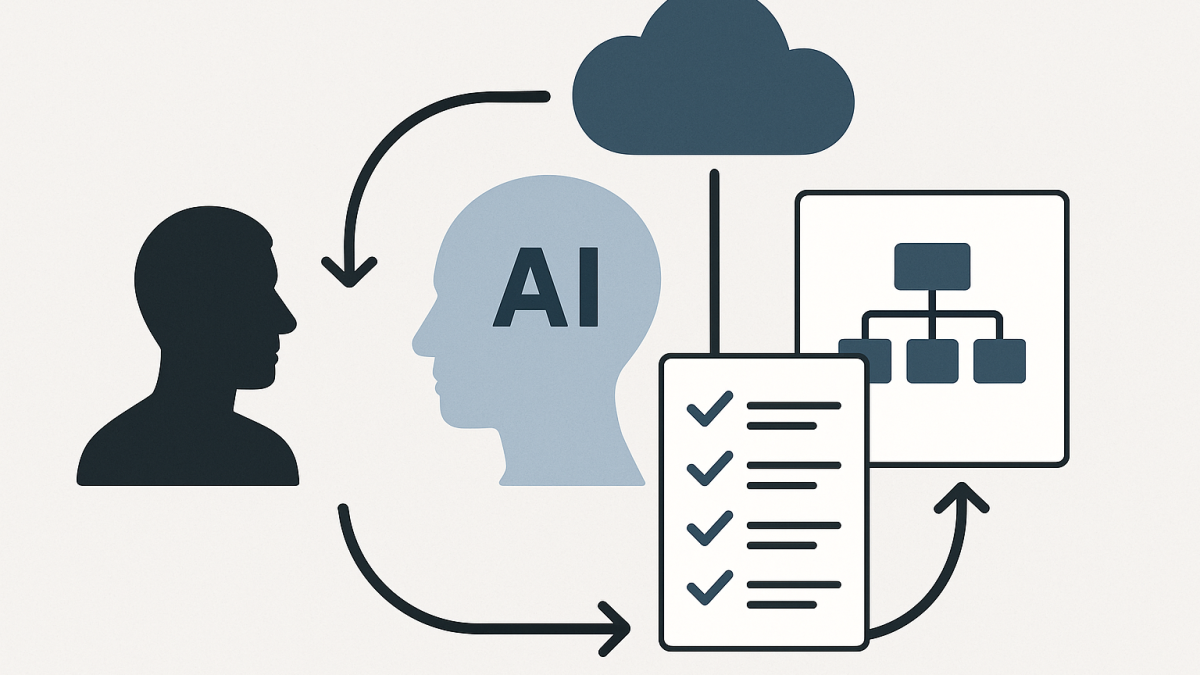
In this blog post How I Use Claude to Architect Cloud Solutions 3x Faster we will explore how I use Claude as a thinking partner to compress weeks of architecture work into days—without pretending an AI model replaces an experienced architect.
In my experience, most cloud architecture time isn’t spent “drawing diagrams.” It’s spent clarifying ambiguity, reconciling constraints, and turning scattered inputs into decisions that survive governance, security review, and delivery reality.
How I Use Claude to Architect Cloud Solutions 3x Faster is really about that middle layer: the messy translation between business goals and technical design. Claude helps me move faster through the translation, so I can spend more of my time on the judgments that matter.
High-level concept first
At a high level, I treat Claude like a junior architect who is unusually good at reading, summarising, and drafting structured artefacts. It can ingest a lot of context, propose options, and produce clean outputs quickly.
But I never delegate accountability. I use Claude to accelerate the “paperwork of thinking” so I can focus on risk, trade-offs, and what will actually work inside real organisations across Australia and internationally.
The main technology behind this
Claude is a large language model (LLM). Under the hood, it predicts the next most likely tokens (chunks of text) based on patterns learned from a large training corpus and the context you provide in the prompt.
Practically, that means two things that matter for architecture work.
- It is a strong transformer-based reasoning and drafting engine for turning unstructured inputs into structured deliverables.
- It is context-driven. The quality of the output depends heavily on the quality and completeness of the context you provide (constraints, standards, environment, risk appetite, and what “good” looks like).
In other words, Claude doesn’t “know your environment.” You teach it your environment in the conversation, then it helps you move faster inside those boundaries.
My workflow in 5 steps
I’ve been a Solution Architect and Enterprise Architect for over 20 years, and I’ve noticed a consistent pattern: speed comes from repeatable structure. Claude helps me enforce that structure even when the inputs are chaotic.
1) Start with a decision inventory, not a diagram
One pattern I keep running into is teams producing diagrams before they’ve agreed on the decisions that the diagram is supposed to represent.
So I ask Claude to create a decision inventory with categories like security, identity, data, networking, operations, cost, and compliance. Then we fill it in together.
Example prompt I use (adapt as needed):
You are my cloud architecture co-pilot.
Create a decision inventory for a new cloud platform.
Return a table with columns: Decision, Options, Recommendation approach, Risks, Owners, Due date.
Categories: Identity, Network, Data, App Platform, Observability, DR/BCP, Governance, Security, Cost.
Assume Azure + Microsoft 365, enterprise constraints, and Australian compliance considerations.
This instantly creates a backbone for the rest of the work. It also exposes what we don’t know yet, which is usually the real blocker.
2) Use Claude to compress discovery into a “constraints brief”
Discovery is where architecture timelines blow out. Meetings happen, documents exist, but the information is scattered.
I use Claude to produce a short constraints brief that becomes the anchor for every design choice. This is where I weave in things like ACSC Essential Eight maturity targets, identity requirements, data residency expectations, and operational realities.
What I’ve seen work well is asking Claude for two outputs at once.
- A one-page executive brief (plain language).
- A technical constraints register (bullets, unambiguous).
Example prompt:
Summarise the following notes into:
1) a 200-word executive constraints brief
2) a technical constraints register with Must/Should/Could
3) 10 clarifying questions that would unblock architecture decisions
Tone: clear, direct, non-sales.
Notes:
[Paste meeting notes, security standards, platform constraints, etc.]
Even when the notes are messy, I get something coherent in minutes, then I edit it with my own judgement.
3) Generate 2–3 viable reference architectures, then stress-test them
Claude is great at producing options quickly. The trick is not to ask for “the best architecture.” Ask for two or three plausible architectures and force explicit trade-offs.
I typically ask for:
- Option A optimised for speed to deliver.
- Option B optimised for risk reduction and governance.
- Option C optimised for cost or platform leverage (only if relevant).
Then I ask Claude to attack its own answer with a threat-model mindset.
Create 3 architecture options for this workload.
For each option include:
- Core components (Azure services / M365 components)
- Identity and access model
- Network segmentation approach
- Data protection approach
- Operational model (monitoring, incident response)
- Cost drivers
- Key risks and mitigations
Then perform a stress test:
- top 10 failure modes
- top 10 security risks
- top 10 delivery risks
Workload context:
[Paste constraints brief]
This is where I get real speed. Not because Claude is magically correct, but because it gives me a structured starting point that I can refine instead of drafting from scratch.
4) Turn decisions into artefacts people actually use
Executives don’t want a 40-page architecture document. Engineers don’t want a vague slide deck. Governance teams want evidence. Security wants traceability.
Claude helps me produce multiple fit-for-purpose artefacts from the same core decisions.
- Architecture on a page (plain language).
- Solution outline for delivery teams (clear scope boundaries).
- Security considerations mapped to controls (especially useful in Essential Eight-aligned environments).
- Operational runbook starter (what to monitor, what alerts matter, who responds).
Example prompt:
Using the agreed architecture decisions below, create:
1) an Architecture on a Page (max 12 bullet points)
2) a delivery-ready solution outline with epics and non-functional requirements
3) a security considerations section aligned to common Australian expectations (E8, identity, logging, patching)
Decisions:
[Paste decision inventory filled out]
As a published author, I care a lot about clarity. Claude is surprisingly good at making the writing crisp, and then I apply the final editorial pass so it matches how leaders read.
5) Keep it safe and defensible with simple guardrails
AI can accelerate architecture, but it can also accelerate mistakes. I’ve learned to use a few guardrails consistently.
- Never paste secrets (keys, tokens, passwords, private certs). I treat prompts as potentially discoverable.
- Assume prompt injection is real when AI is connected to tools or automation. If you ever move beyond “chat” into agents, be stricter than you think you need to be.
- Ask for uncertainty explicitly. I often add: “List assumptions and what would change your recommendation.”
- Cross-check cloud service limits and defaults before you lock a design. LLMs draft quickly; you still validate.
- Anchor to policies (logging retention, identity standards, data classification). Claude follows the policy you provide far better than the policy you merely imply.
A real-world scenario (anonymised)
Recently I worked with a mid-sized organisation modernising a line-of-business platform onto Azure while tightening cybersecurity posture. They had a mix of Microsoft 365, legacy identity patterns, and a security team pushing for stronger alignment with Essential Eight practices.
The slow part wasn’t choosing services. The slow part was getting agreement on identity boundaries, network segmentation, logging, and operational ownership.
I used Claude to produce a decision inventory, then iterated it live during workshops. After each workshop, Claude turned notes into a constraints brief and a refreshed set of options with risks highlighted.
The outcome wasn’t “AI designed the solution.” The outcome was that we reached clarity faster, the documentation stayed aligned with the decisions, and the delivery team got artefacts that were immediately usable.
Why this feels like 3x speed (and when it doesn’t)
Claude makes me faster because it reduces the friction between thinking and producing. It’s like having someone who can instantly draft, re-draft, format, and translate between executive and engineering language.
It doesn’t make me faster when the organisation is avoiding decisions. If stakeholders won’t choose a risk posture, no tool fixes that. What Claude does do is make the avoidance visible by listing the decisions that are still unowned.
My takeaway
I’m based in Melbourne and I work across Australia and internationally, and the environments vary massively. But the pattern is consistent: architecture succeeds when decisions are explicit, constraints are respected, and operations are designed up front.
Claude helps me get to that point sooner. The interesting question for the next 12 months is whether leaders will treat AI as a shortcut for accountability, or as a tool that raises the standard of clarity. Which way do you think your organisation is leaning?
