In this blog post Why Claude Cowork Feels Like the First Real AI Teammate at Work we will unpack why Claude Cowork is the AI feature I’ve been waiting for, what makes it different from chat-based assistants, and how technology leaders can adopt it without creating new risk.
I’ve spent the last 20+ years moving between Solution Architect and Enterprise Architect roles, and one pattern keeps repeating: the biggest productivity gains don’t come from better ideas. They come from reducing friction between an idea and an outcome.
That’s why Claude Cowork caught my attention. It’s not “another chatbot”. It’s a shift from AI that talks about work to AI that can do work—in a constrained, reviewable way that maps to how leaders actually want automation to behave.
Claude Cowork at a high level
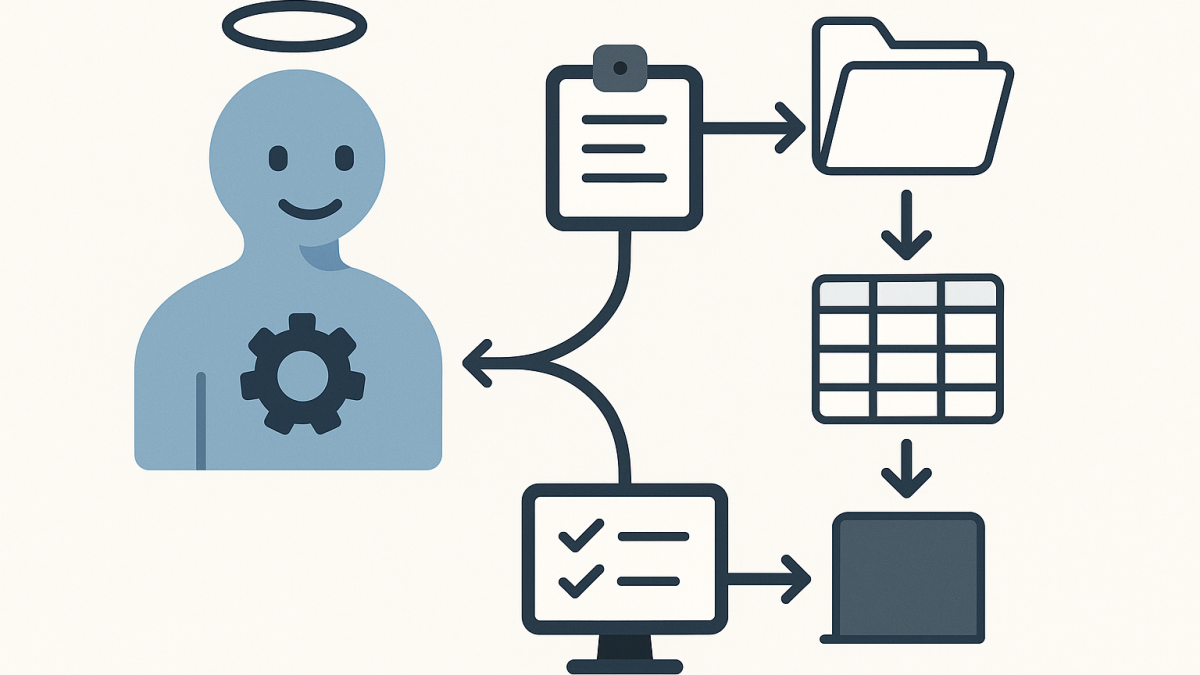
At a high level, Cowork is an “agent mode” inside the Claude desktop experience. Instead of only responding with text, it can take a task, break it into steps, and produce real deliverables—files, folders, drafts, spreadsheets, slide decks—based on the access you allow.
For business and technology leaders, the difference is simple: you’re no longer copying data in and out of prompts. You’re delegating a work package and reviewing the output, much closer to how you’d delegate to a junior analyst or an ops teammate.
Why I’ve been waiting for something like this
In most organisations I work with (Australia and internationally), AI adoption gets stuck in the same place: lots of experimentation, a few impressive demos, and then the hard reality—most work lives in files, systems, and workflows that chat can’t touch.
Cowork targets that exact gap. It’s not trying to be “more creative”. It’s trying to be more operational.
The main technology behind Cowork (without getting too dry)
The core idea is agentic execution. In normal chat, the model produces an answer and waits. In Cowork, the model behaves more like an orchestrator: it plans, delegates sub-tasks, uses tools, and iterates until it reaches a finished state.
There are three technical building blocks that matter to leaders:
- Planning: the assistant turns your request into an explicit plan (steps, assumptions, outputs).
- Tool use: the assistant can read/write local files and work through connected tools, rather than relying on copy/paste.
- Sub-agent coordination: for larger tasks it can split work into parallel streams (for example, “summarise”, “extract data”, “draft slides”, “validate numbers”).
From an enterprise architecture angle, this is the most important shift: we’re moving from “LLM as a response generator” to “LLM as a workflow engine”—with human approval checkpoints.
What changes operationally when AI can touch files
Giving an AI assistant file access is a big deal. It’s also the first time many organisations can get beyond toy use cases.
Here are the practical changes I’ve seen when teams move from chat-only AI to agentic AI:
1) The unit of value becomes the deliverable, not the conversation
Executives don’t measure success by “better prompts”. They measure it by “did we produce the board pack, the risk summary, the analysis, the runbook”. Cowork is built around that outcome mindset.
It also changes how you govern. You start caring about templates, repeatability, and review steps—just like any other production workflow.
2) Context stops being fragile
With chat, context is often a brittle patchwork of pasted snippets. That leads to errors, missed nuance, and the classic “AI hallucinated because it didn’t see the real document”.
With controlled folder access, the assistant can work from the source material. That doesn’t remove risk, but it reduces the accidental misinterpretation that comes from partial context.
3) Work becomes asynchronous (in a good way)
One of the underrated benefits of agentic tools is that they can run longer tasks without you babysitting each turn. That aligns surprisingly well with how leaders actually operate: you set direction, you let work progress, you review and redirect.
4) The security conversation becomes real
As soon as file access enters the picture, AI stops being “innovation theatre” and becomes a proper security and governance topic.
In Australia, this is where conversations naturally land on things like the ACSC Essential Eight, data classification, identity, device controls, and what you consider a regulated workload under Australian privacy expectations.
A scenario I’ve seen play out (anonymised)
Imagine a mid-sized organisation preparing for an internal audit and a cyber uplift. They’ve got a messy set of artefacts:
- Policies in Word (multiple versions)
- Evidence screenshots
- Excel spreadsheets with control mappings
- Tickets and change notes exported from an ITSM tool
The team’s real problem isn’t “lack of information”. It’s the time spent assembling and normalising it into a pack that leadership can trust.
This is exactly where Cowork-style execution shines:
- Create a structured folder tree for evidence.
- Extract key fields from documents into a single spreadsheet.
- Draft an executive summary that aligns evidence to control objectives.
- Generate a slide outline for a steering committee update.
Importantly, the human team still owns the judgement calls. But the assistant takes on the grind: sorting, formatting, cross-referencing, and producing first drafts quickly.
How I’d introduce Cowork safely in an enterprise
I’m optimistic about agentic AI, but I’m not casual about it. If you’re a CIO/CTO/IT Director considering a pilot, I’d frame it as a controlled operational experiment, not an “AI rollout”.
Step 1: Start with a “low-blast-radius” folder
Pick a dedicated directory with non-sensitive data. Treat it like a sandbox. The goal is to learn how the agent behaves, not to chase immediate ROI.
Step 2: Define allowed outputs upfront
Be specific about what “done” looks like: a one-page brief, a spreadsheet with named columns, a slide deck with a defined structure.
Vague tasks create messy outputs, and messy outputs create distrust.
Step 3: Make review a first-class control
In every environment I’ve worked in, the practical control isn’t “ban AI”. It’s “ensure review is fast, consistent, and auditable”.
Decide who reviews what, and what quality gates apply (numbers validated, sources checked, policy alignment confirmed).
Step 4: Treat prompt injection as an operational risk, not a theory
Agentic tools can be tricked by malicious content embedded in documents or web pages. Even without malice, “instructions inside files” can cause unintended behaviour.
The mitigation is boring but effective: scope access tightly, isolate the working directory, and avoid mixing unknown external content with privileged connectors.
Step 5: Align to Essential Eight thinking (even for pilots)
You don’t need a 40-page framework to run a pilot, but you do want the spirit of the Essential Eight in play:
- Application control mindset: which tools/connectors are allowed?
- Restrict administrative privileges: who can enable the feature and grant access?
- Patch and configuration control: keep the desktop environment and browser integration current.
- Backups: assume something will overwrite or delete the wrong file one day.
A practical way to prompt Cowork (example)
I’m not trying to turn this into a prompt engineering post, but leaders often ask what “good delegation” looks like. Here’s a pattern I use because it reads like a work request, not a magic spell.
You have access to the folder: ./Audit-Pack-Working

Goal:
Create an executive-ready briefing summarising the key risks and open actions.

Inputs:
- Read all documents in ./Audit-Pack-Working/Inputs
- Use ./Audit-Pack-Working/Templates/Briefing-Template.docx as the structure

Outputs:
1) Save a completed briefing to ./Audit-Pack-Working/Outputs/Exec-Briefing.docx
2) Create a table of “Risk / Impact / Owner / Due date” in Excel and save it to ./Audit-Pack-Working/Outputs/Open-Actions.xlsx

Constraints:
- Do not invent facts. If something is missing, add a “Needs confirmation” note.
- Use plain language for a non-technical executive audience.
- Before writing outputs, show me your plan and the assumptions you’re making.
This does three things: it scopes access, it defines deliverables, and it forces a plan before action. That’s how you keep an agent useful without letting it roam.
What I’d watch closely as this matures
Cowork is the direction I want the industry to go, but it also highlights unresolved questions that matter in enterprise settings:
- Auditability: leaders will increasingly ask, “What actions did the agent take, on what files, and when?”
- Data governance: where is work history stored, and how does that map to retention expectations?
- Separation of duties: how do we prevent a single user from delegating high-impact actions without review?
- Regulated workloads: many organisations will need a clear boundary for what must stay off-limits.
As a published author and someone who has lived through multiple “next big thing” cycles, I’m cautious about hype. But I’m also comfortable saying this: agentic execution is one of the few AI shifts that can change the day-to-day reality for IT teams, not just the slide deck.
My takeaway
Claude Cowork feels like the AI feature I’ve been waiting for because it respects how work actually happens: in messy folders, imperfect documents, competing priorities, and real deadlines.
The organisations that get the most from it won’t be the ones with the cleverest prompts. They’ll be the ones that treat it like a new kind of workforce capability—scoped access, clear outputs, strong review, and a security posture that assumes mistakes will happen.
If agentic AI becomes normal in the next 12–24 months, the interesting question isn’t “will it replace people?” It’s “what new operating model will we need when every team can delegate tasks to a supervised digital coworker?”
